Free to Download · No Account Needed

One app for
all your torrent clients

Torrento unifies qBittorrent, Deluge, and Transmission into a single sleek Android dashboard. Real-time speeds, multi-server control, bulk actions — all from your pocket.
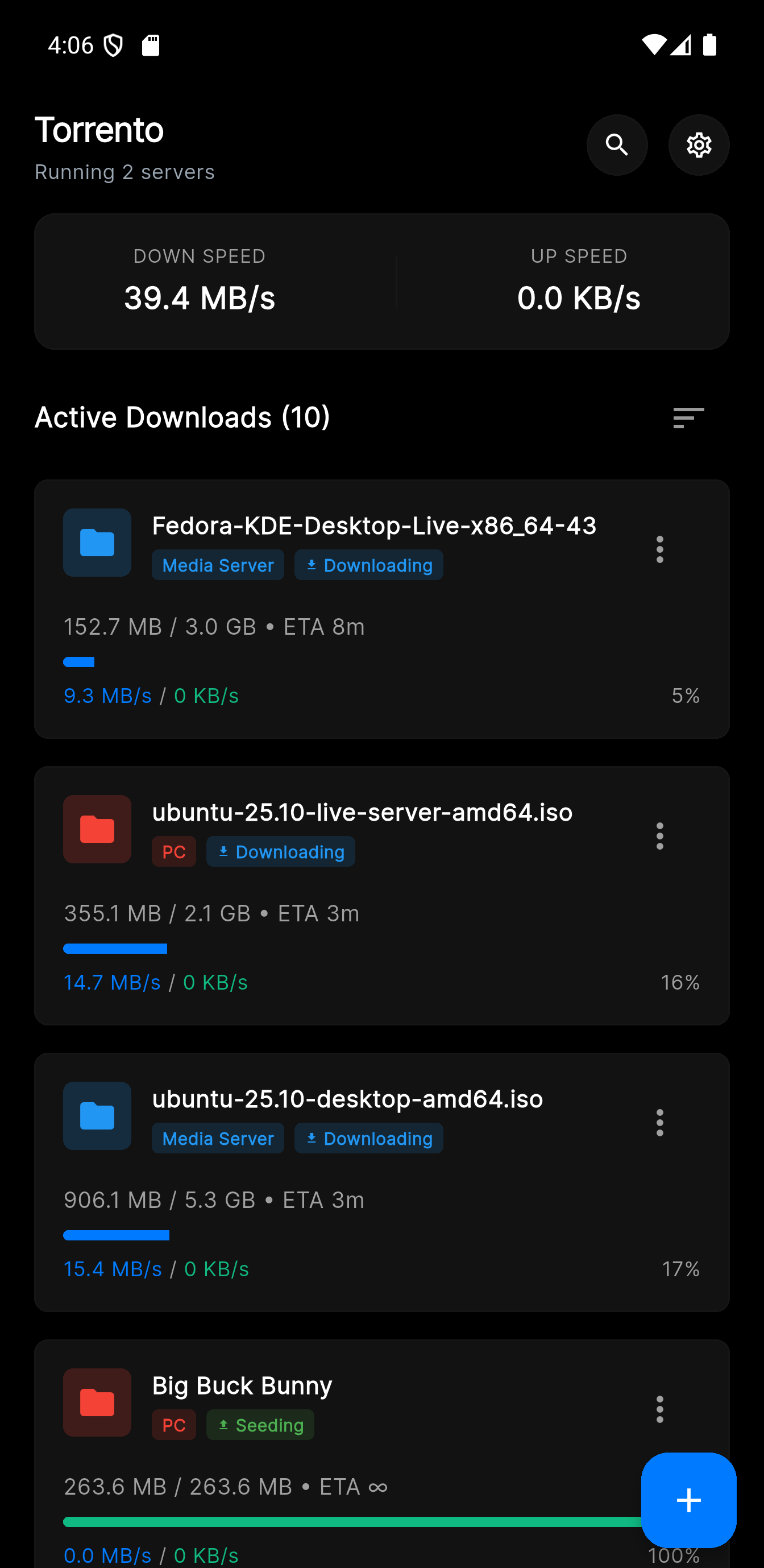
Torrento dashboard
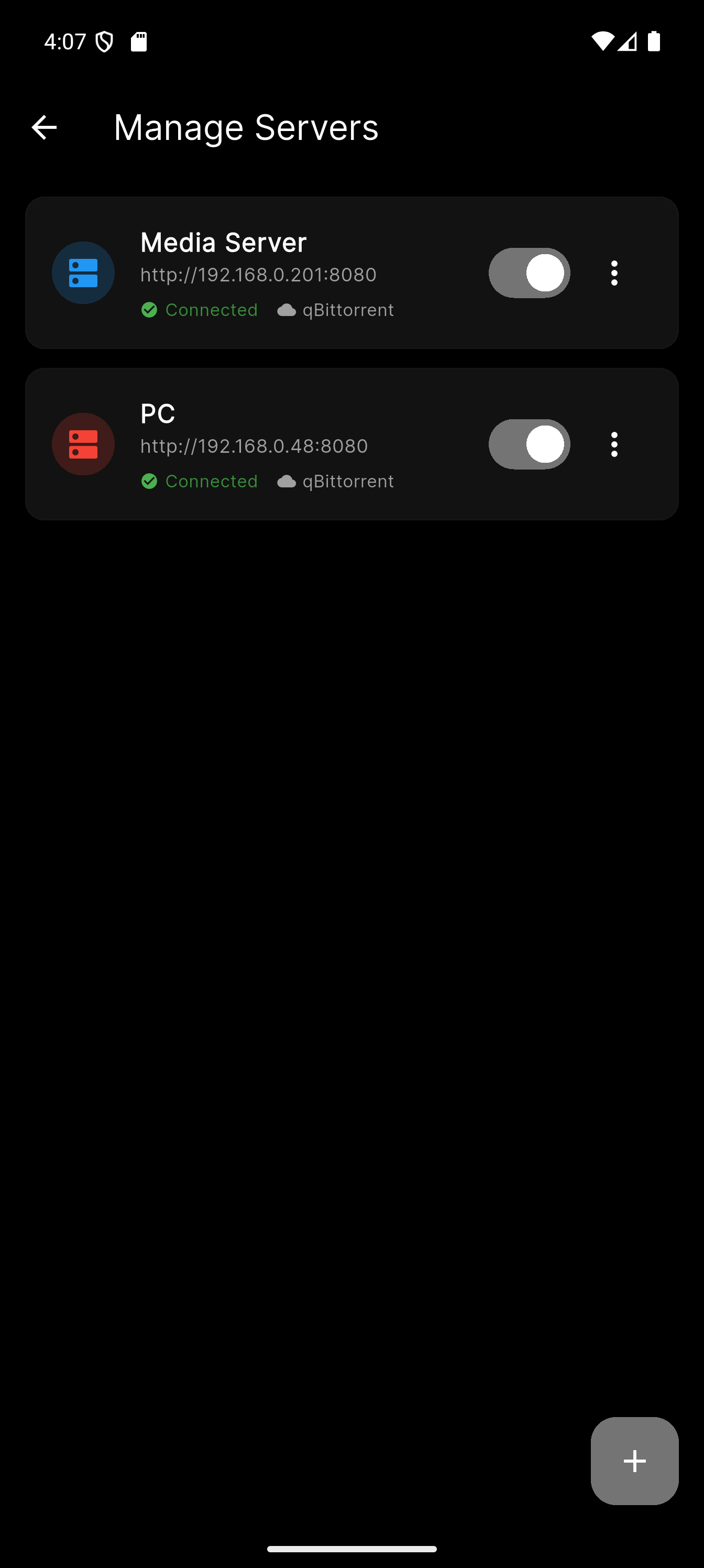
Torrento servers

Works with your torrent clients

qBittorrent
Deluge
Transmission
More coming soon
Features

Everything you need,
nothing you don't

A focused, fast app for people who actually run servers.

Powerful Multi-Select

Long-press any torrent to enter selection mode. Select all or pick individual items, then pause, resume, delete with data removal, move to a new path, or assign a category — all in one tap.

⏸ Pause
▶ Resume
🗑 Delete
Arch Linux 2024.01 x86_64.iso
1.2 GB
Ubuntu Server 22.04.3 LTS.iso
2.4 GB
Debian 12.4.0 amd64 netinst.iso
628 MB
Fedora Workstation 39 DVD.iso
2.1 GB
📡
Multi-Server Control

Connect to unlimited torrent clients across your home lab, VPS, or NAS — each with its own color indicator and reachability status.

Real-Time Monitoring

Live download/upload speeds, per-torrent progress bars, and global stats updated every 2 seconds. No manual refreshes needed.

🔍
Instant Search

Filter your torrent list in real time across all connected servers. Find that one download in a library of hundreds instantly.

Add Torrents Your Way

Paste a URL or magnet link, browse for a .torrent file, choose a save path with autocomplete, and set a category — all from one screen.

🏷
Category Management

Create, rename, delete, and assign categories across your servers. Keep your library organized with custom icons for every category.

🎛
Per-Torrent Controls

Expand any card to set upload/download speed limits, toggle sequential download, move files, or delete with optional data removal.

Getting Started

Up and running in 60 seconds

No cloud accounts, no port forwarding wizards. Just your client's local address and credentials.

1
Install Torrento

Download from the Play Store and open the app. Try the built-in demo mode first — no setup required.

2
Add Your Server

Enter your torrent client's IP address, port, and credentials. Pick a color to identify it at a glance.

3
Connect & Monitor

Torrento connects, authenticates, and starts streaming live stats from your client immediately.

4
Take Control

Add torrents, manage categories, pause/resume downloads, and bulk-act on multiple torrents at once.

Personalization

Your style, your app

Material Design 3 theming with light, dark, and true OLED black modes — plus custom accent colors for both.

OLED Dark
System Dark
Light Mode
Premium

Go ad-free, forever

One small one-time purchase. No subscription, no ongoing cost. Just Torrento, clean and uninterrupted.

One-time purchase
Remove all ads permanently
Support continued development
No subscription, ever
All future updates included

Unlock premium inside the app

📲 1. Get the App Google Play
⚙️ 2. Open Settings Tap the gear icon
3. Remove Ads One-time purchase
Torrento

Ready to take control?

Download Torrento for Android and manage all your torrent clients from anywhere. Free to start.

Google Play Store

Android 6.0+ required · Free with optional premium upgrade