Remote torrent access for qBittorrent, Transmission, and Deluge

No port forwarding. No VPN. No firewall surgery.

Secure remote torrent access starts with a lightweight companion on your NAS, Docker host, Linux server, or always-on machine. Pair it with the Torrento Android app to control qBittorrent, Transmission, and Deluge from anywhere without exposing their Web UI to the public internet.

Setup

Up and running in minutes

Pair in Android, keep client credentials on the companion, then import those clients into Torrento for remote control from anywhere.

1
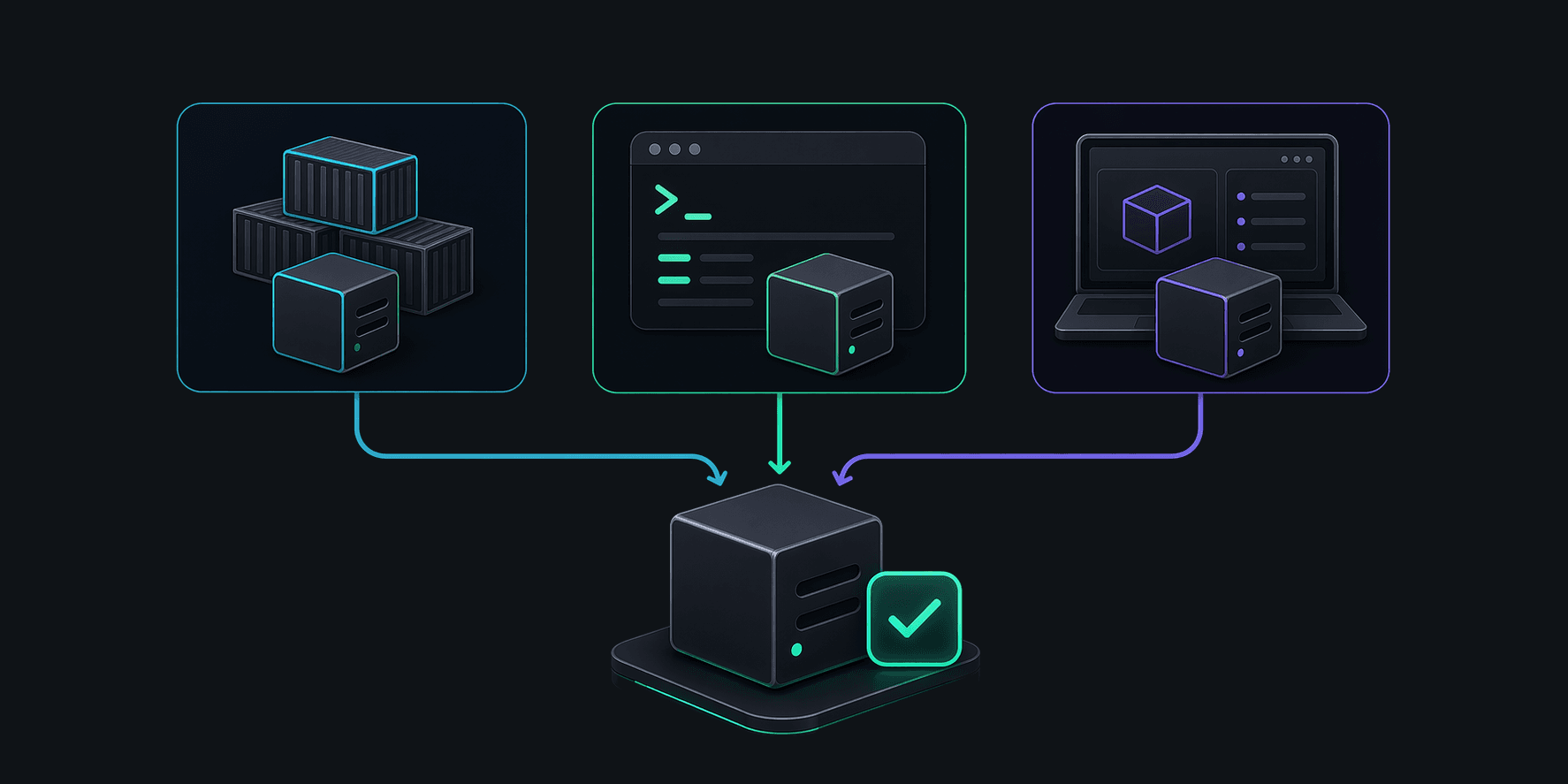
Illustration of a Torrento Connect companion being installed on an always-on host.

Install

Run the lightweight companion on Docker, Linux, macOS, or another always-on machine near your torrent clients.

2
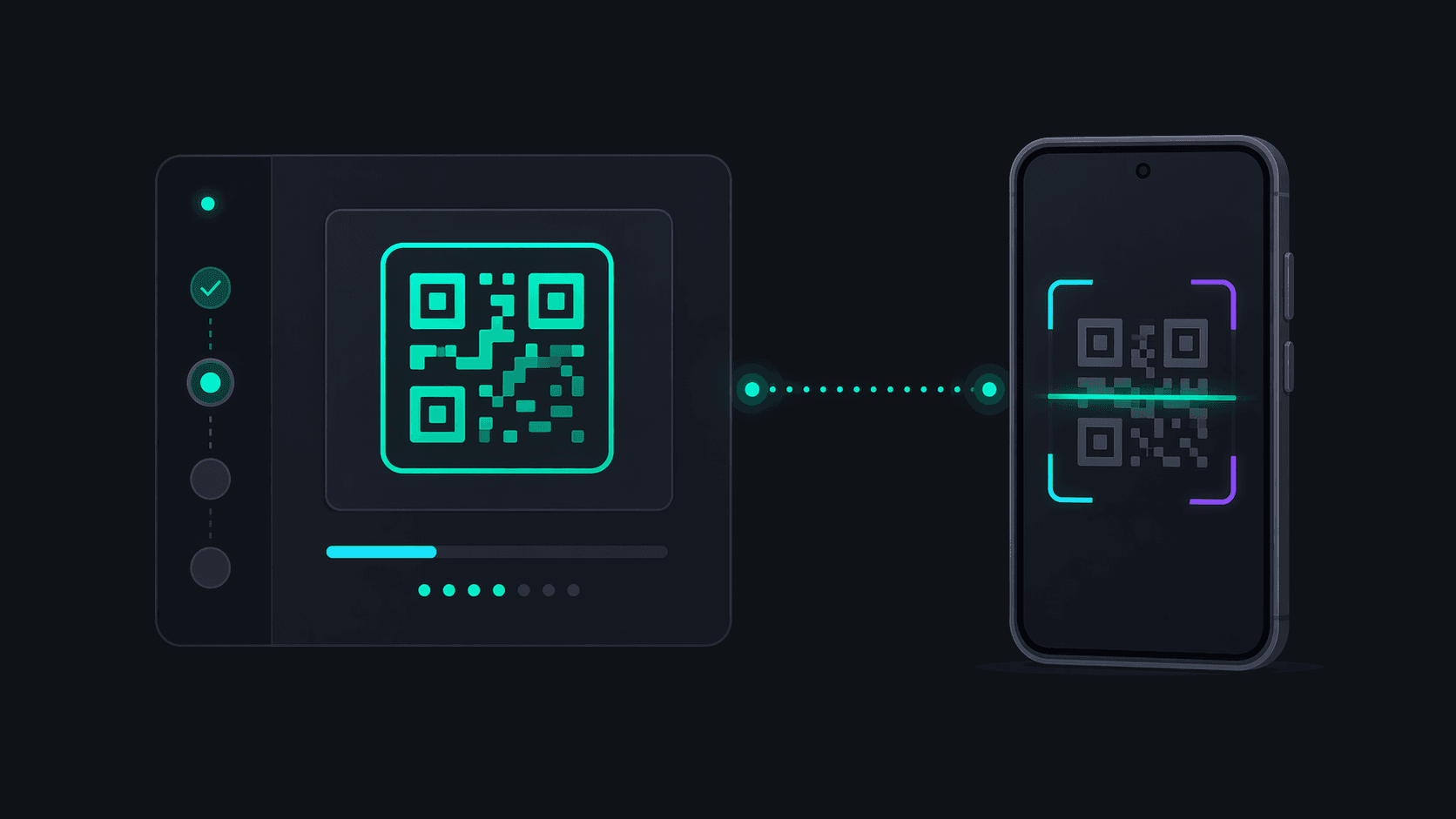
Illustration of an Android phone pairing with the Torrento Connect companion.

Pair in Android

Open Torrento on Android, go to Connect, and approve the pairing code shown by the companion dashboard, or scan its QR code to open Torrento with the code already attached.

3
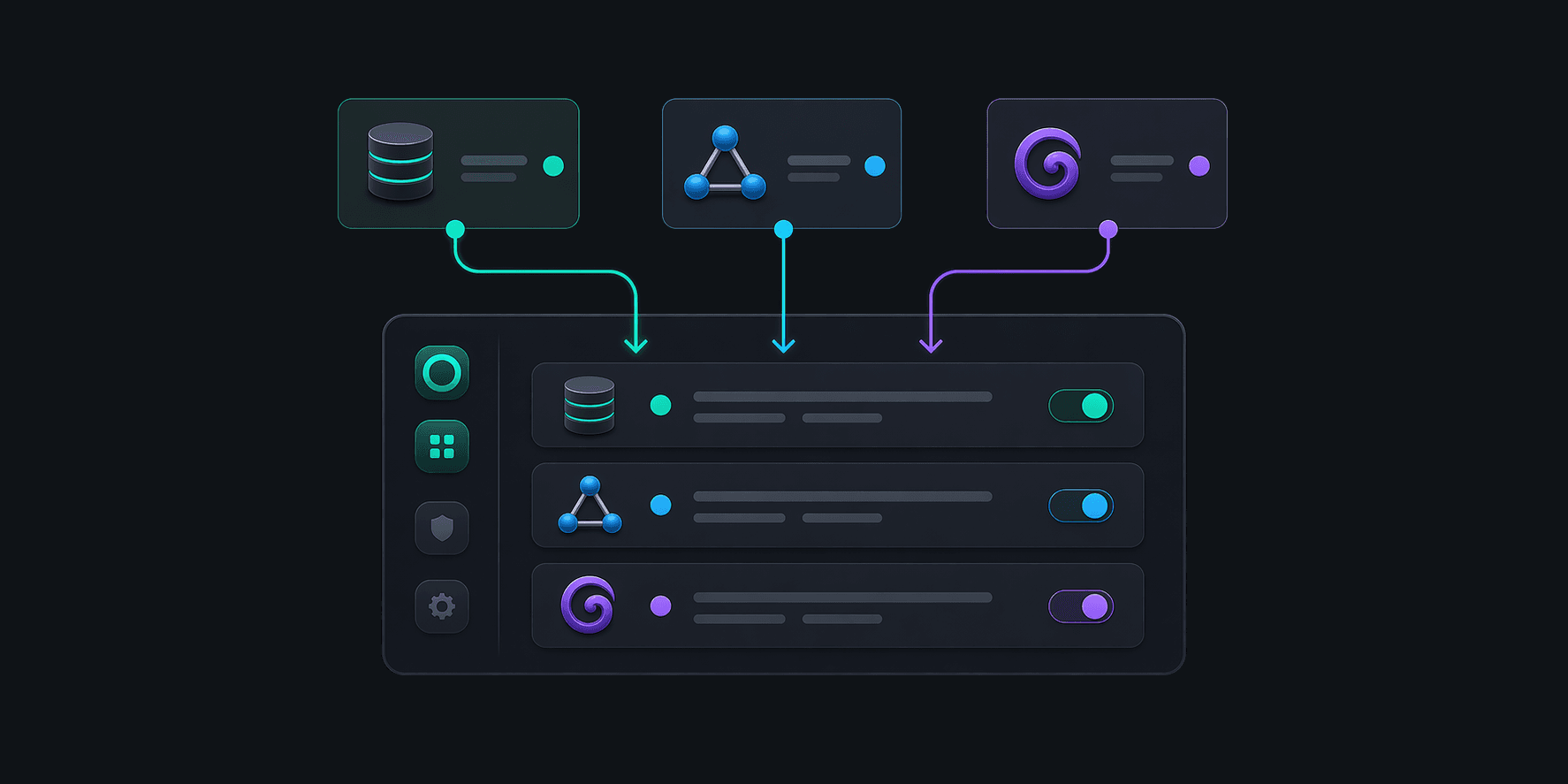
Illustration of three torrent clients being configured on the Torrento Connect companion.

Add clients on the companion

In the companion dashboard, or over SSH on headless Linux, add qBittorrent, Transmission, or Deluge with the same Web UI or RPC credentials they already use.

4
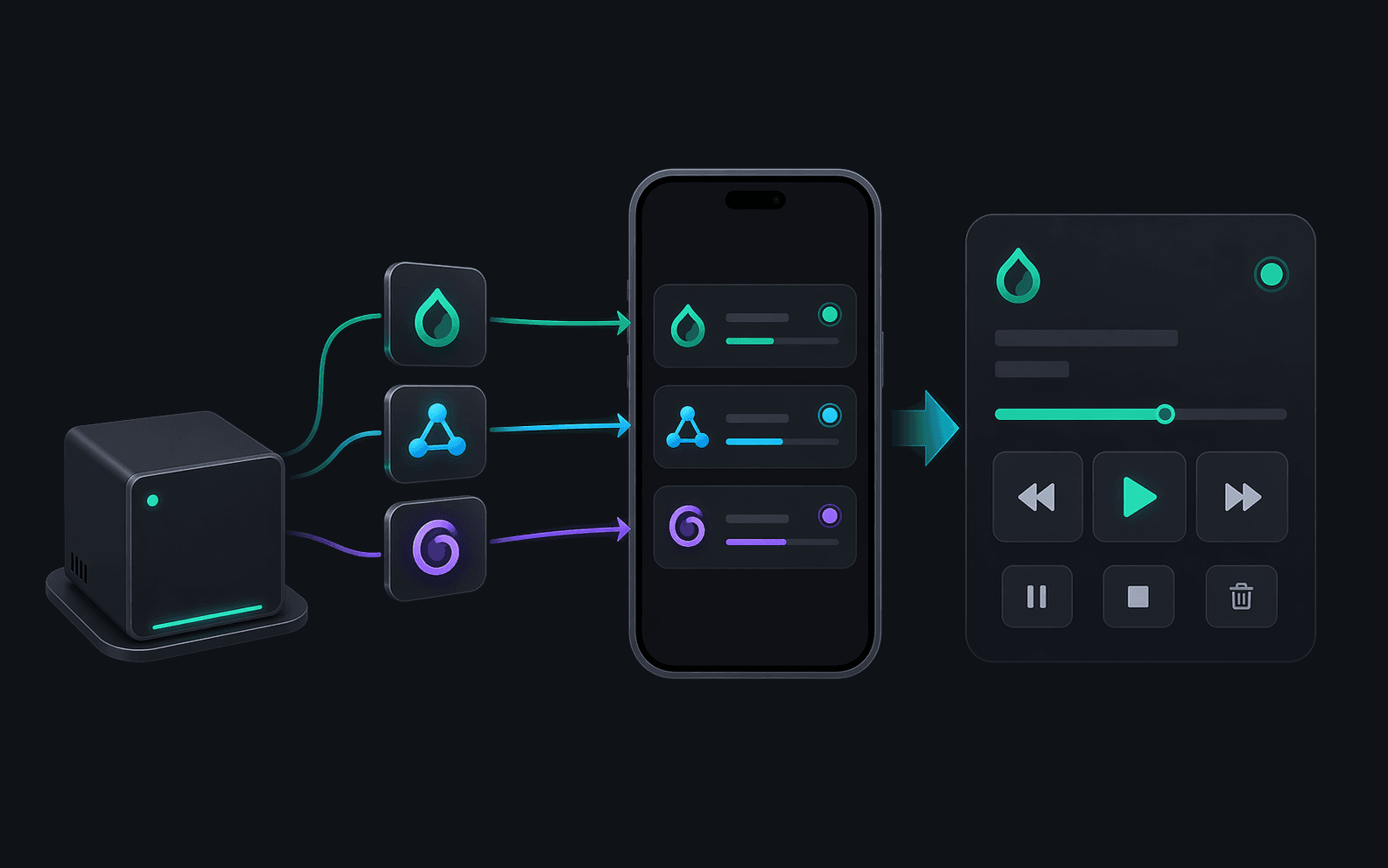
Illustration of imported companion clients being controlled from Torrento on Android.

Import and control

Back in Torrento Android, tap Add to Torrento for each saved companion client you want in the app, then control them remotely.

Open the setup page that matches your companion environment

The install flow now lives on dedicated URLs instead of being buried behind one long docs page section. Pick the guide for Docker and NAS installs, Linux headless servers, or the macOS companion.

Features

Powerful, secure, and smart

Built for home servers, NAS devices, seedboxes, and desktop companions.

Zero Config

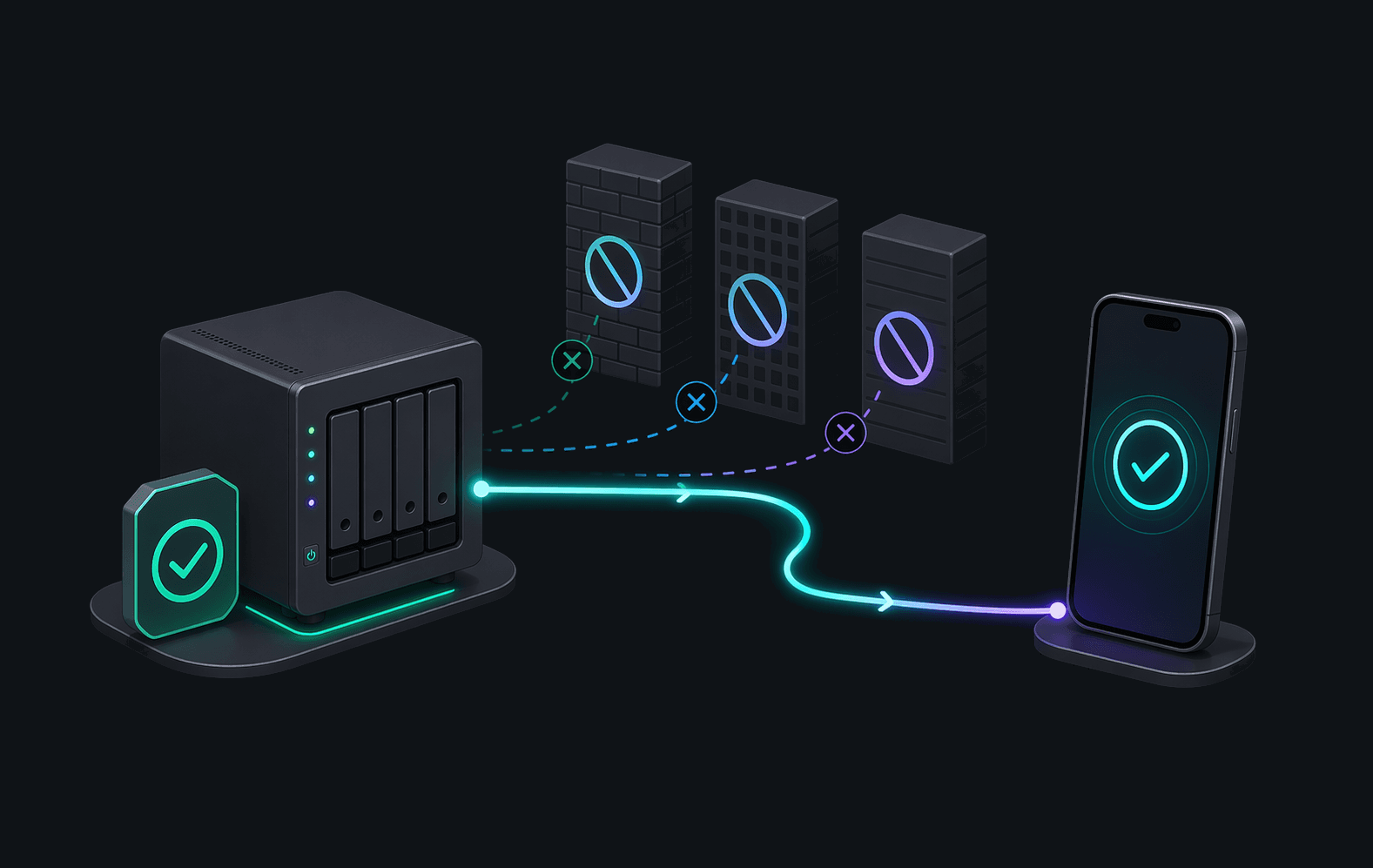
Skip port forwarding, Dynamic DNS, and reverse proxies. Connect chooses the right remote path automatically.

Illustration of Torrento Connect automatically routing remote access without manual network setup.

Private by Design

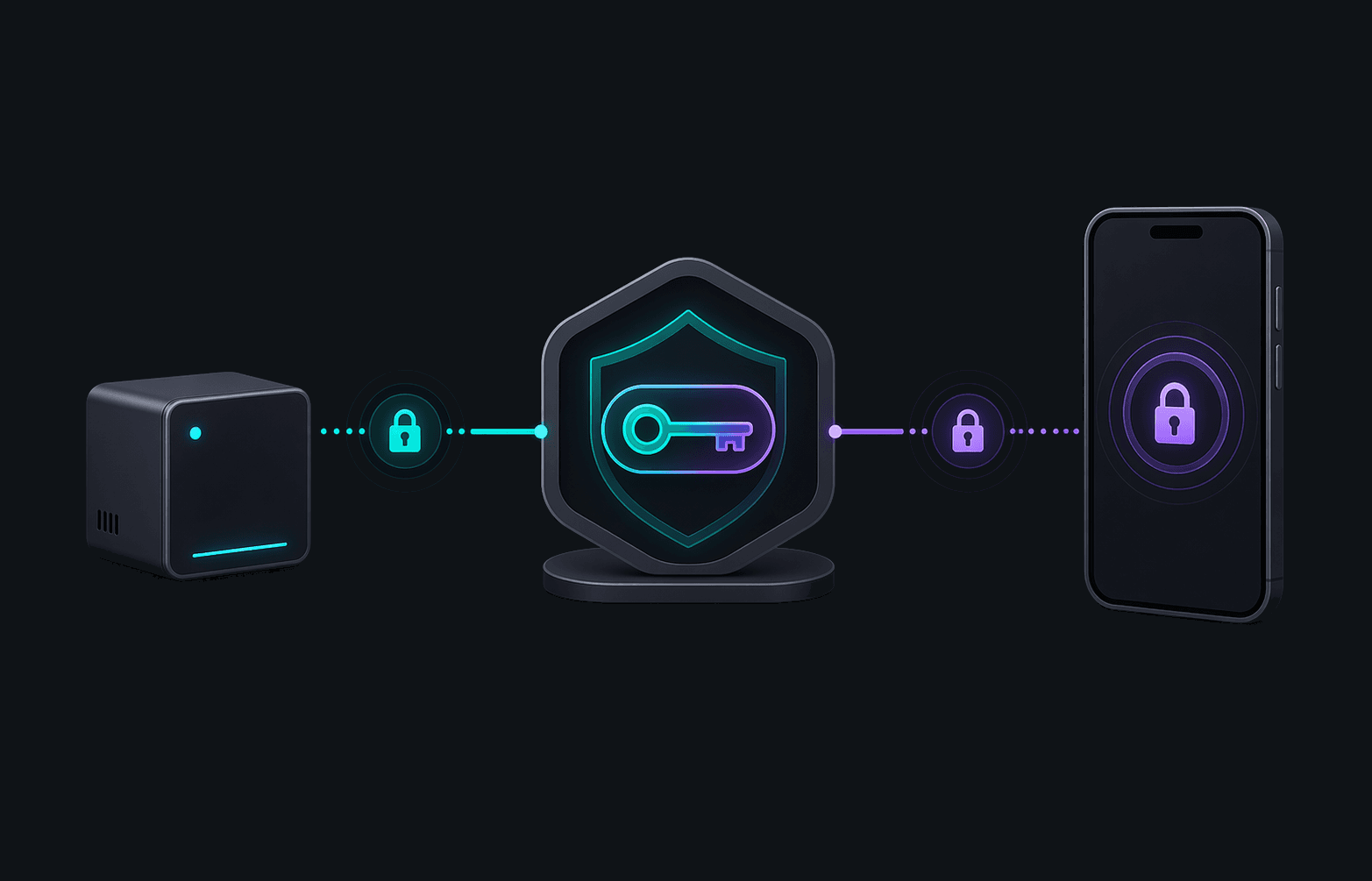
End-to-end X25519 encryption. Your keys are generated locally and never touch our servers.

Illustration of locally generated keys and encrypted communication between Torrento Connect and a phone.

Smart Routing

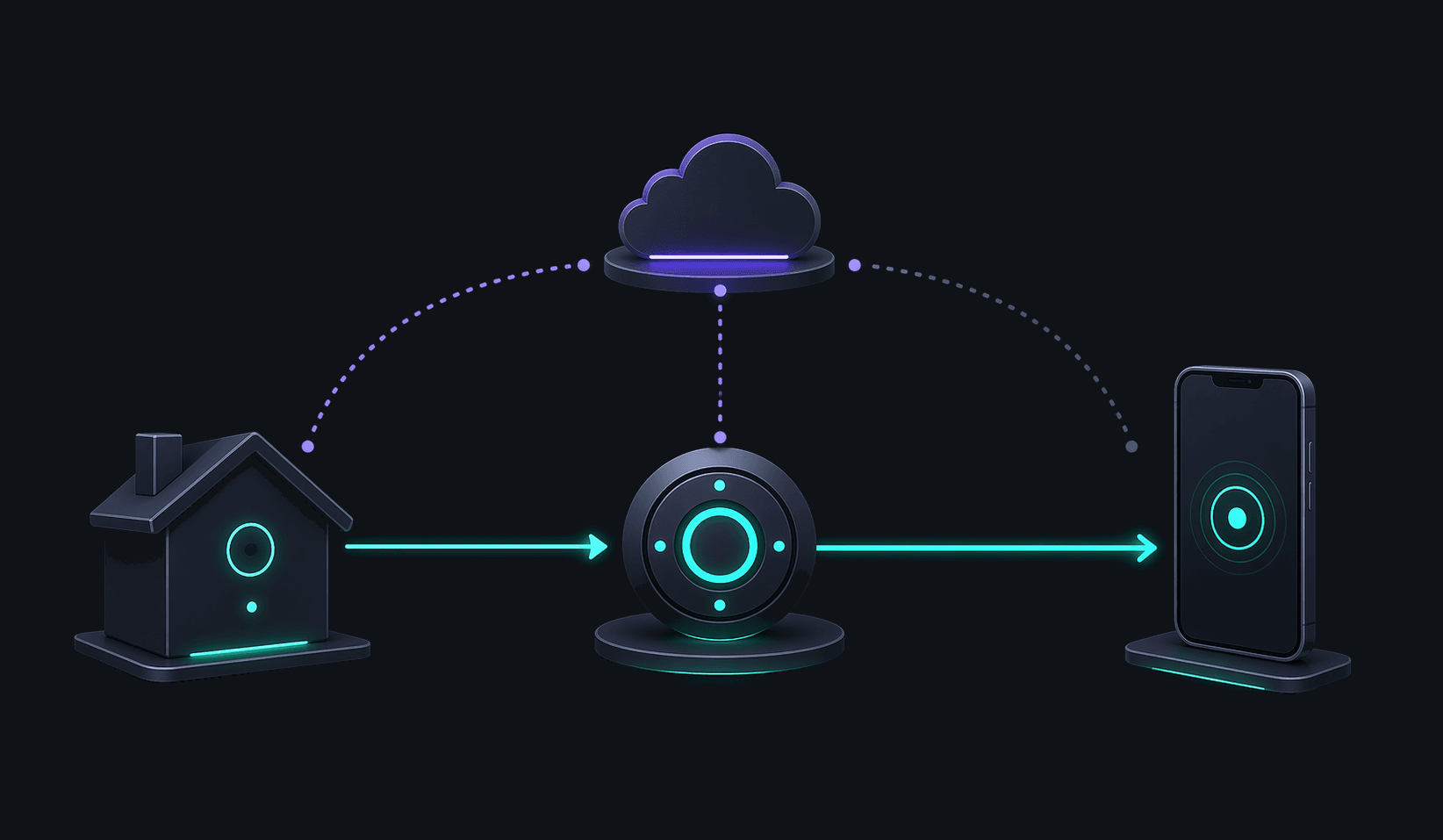
Connect stays local when you are on home Wi-Fi and switches to a secure relay path when you are away.

Illustration of Torrento Connect choosing between a local path and a secure relay path.

Universal Support

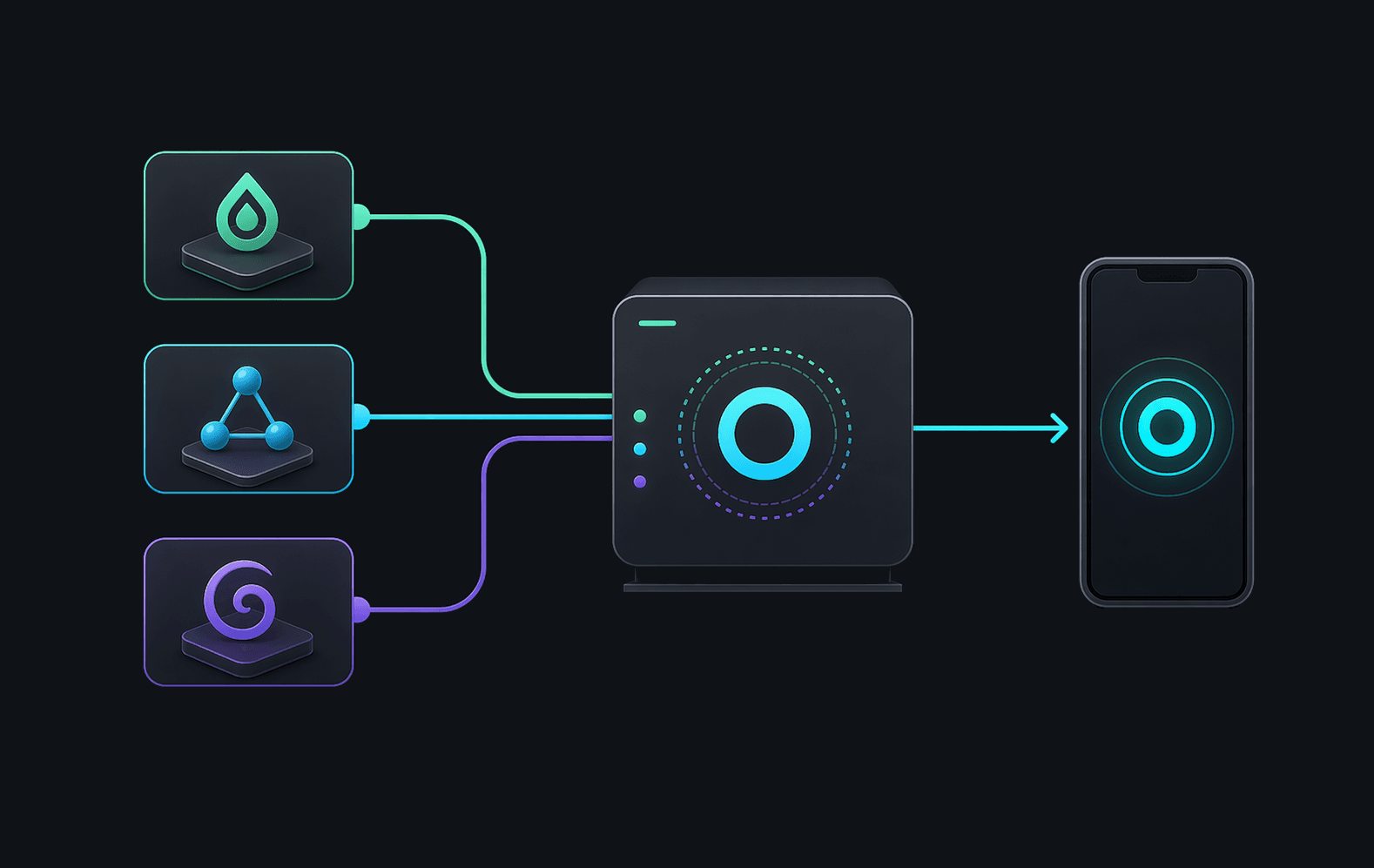
Works with qBittorrent, Transmission, and Deluge without changing the way you already use their Web UI or RPC setup.

Illustration of one Torrento Connect companion working with multiple supported torrent clients.
FAQ

Remote access FAQ for qBittorrent, Transmission, and Deluge

Answers about remote torrent access from Android, including companion placement, NAS and Docker installs, headless Linux setup, and how Connect avoids port forwarding.

How do I access qBittorrent remotely from Android without port forwarding?

Install the Torrento Connect companion on the same machine as qBittorrent, or on another always-on device on the same LAN, pair it from the Torrento Android app, add your qBittorrent Web UI credentials on the companion, then import that saved client into Torrento.

Does Torrento Connect also work with Transmission and Deluge?

Yes. The companion supports qBittorrent, Transmission, and Deluge. Add the same Web UI or RPC details you already use, test the connection on the companion, and import the client into Torrento Android for remote control.

Where should I install the Torrento Connect companion on a NAS, Docker host, or seedbox?

Install it as close as possible to the torrent client, ideally on the same machine. If the client runs elsewhere on the same network, another always-on device on that LAN also works. Common fits include NAS devices, Docker hosts, Linux servers, seedboxes, and home PCs.

Can I set up Torrento Connect on a headless Linux server over SSH?

Yes. Linux headless installs support the browser dashboard, but they also support an SSH-only flow with torrento-connect pair, torrento-connect client add, and torrento-connect client probe.

Do I need a VPN or reverse proxy to use Torrento Connect for remote torrent access?

No. Torrento Connect is built so you do not have to expose qBittorrent, Transmission, or Deluge directly to the public internet. After pairing, it chooses the best available path automatically, using local, secure direct, or secure relay connectivity as needed.

Is Torrento Connect separate from Remove Ads?

Yes. Remove Ads is a one-time purchase in the Android app. Torrento Connect is the separate subscription-backed remote-access service because it runs the hosted presence, signaling, and encrypted relay infrastructure.

Jump to the page for your torrent client

Each supported client now has its own crawlable landing page that connects the Android app, Torrento Connect, downloads, and setup guidance for that exact flow.

Platforms

Runs where you need it

Choose the companion shell that matches where your torrent client runs.

Available

Android App

Pair companions, import clients, and control torrents remotely from the same Android app.

Available

Docker / NAS

Official image for amd64 and arm64 with the same Web UI pairing flow used across headless installs.

Available

Linux Headless

Native installer with a browser dashboard and SSH commands for server-first setups.

Soon

Windows

A native desktop experience with a system tray icon and easy installer.

Available

macOS

Universal Apple Silicon and Intel companion with menu bar controls, pairing, and built-in update awareness.

Later

Linux GUI

A full desktop interface for users who prefer a graphical environment.

Premium Service, Simple Pricing

Torrento Connect is the subscription that funds the hosted signaling and encrypted relay infrastructure behind remote torrent access. The Android app remains free for local use, and Remove Ads stays a separate one-time purchase.